
Scan. Snap. It's in the album.
A QR stands at the event. Guests scan it, shoot from their seat, and the photos land in one gallery — their view, not only the photographer’s.
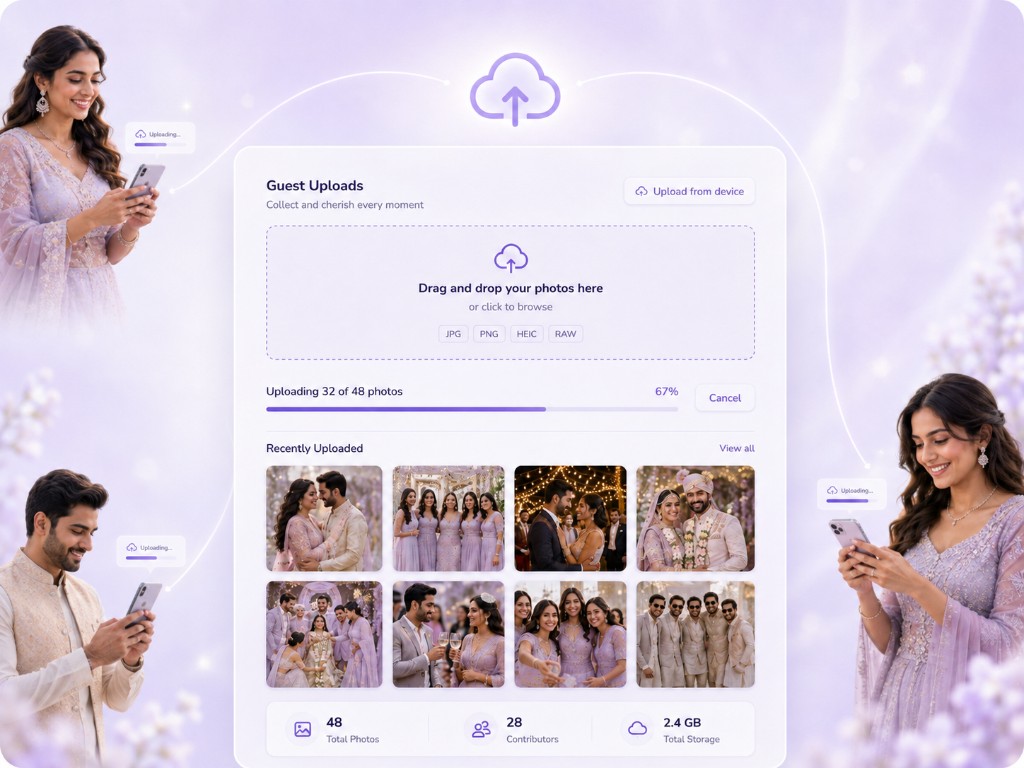
A code on a stand. Their camera. Your album.
Print a QR (or barcode) and put it at the door, on tables, at the bar. Guests open the camera they already have, scan, and start shooting. Nothing to install. Every snap is a guest’s eye-line — the toast from the back of the hall, the kids under the table — and it still files into the event album.
Scan at the event
The standee is the invite into Guest Cam. No app store, no account.
Shoot from their seat
They capture what they see — then it uploads in the background.
One album
JPG, HEIC, PNG, RAW, video — next to the photographer’s set, not a WhatsApp dump.
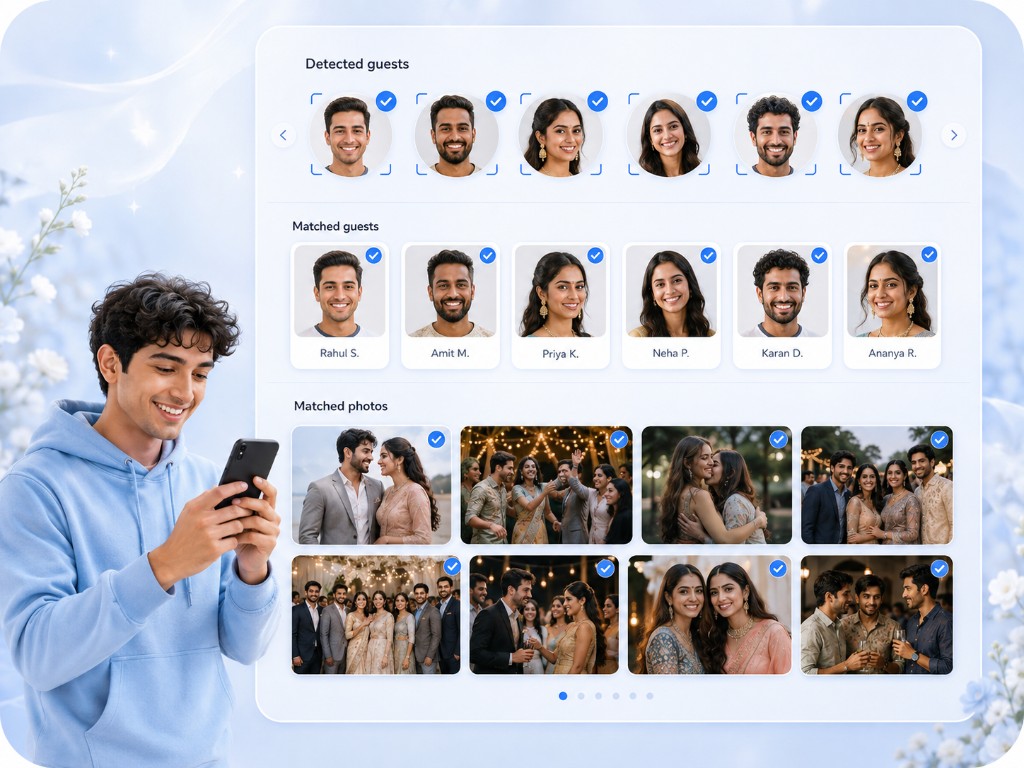
A selfie finds every photo they are in.
At volume, a shared dump is unusable. Guests match a selfie and get their set — including the photographer’s frames, not only what they uploaded.
Guest shots + pro shots
One gallery. Face match across both piles.
Private by default
They receive what they appear in — not every uncle’s burst of 80.
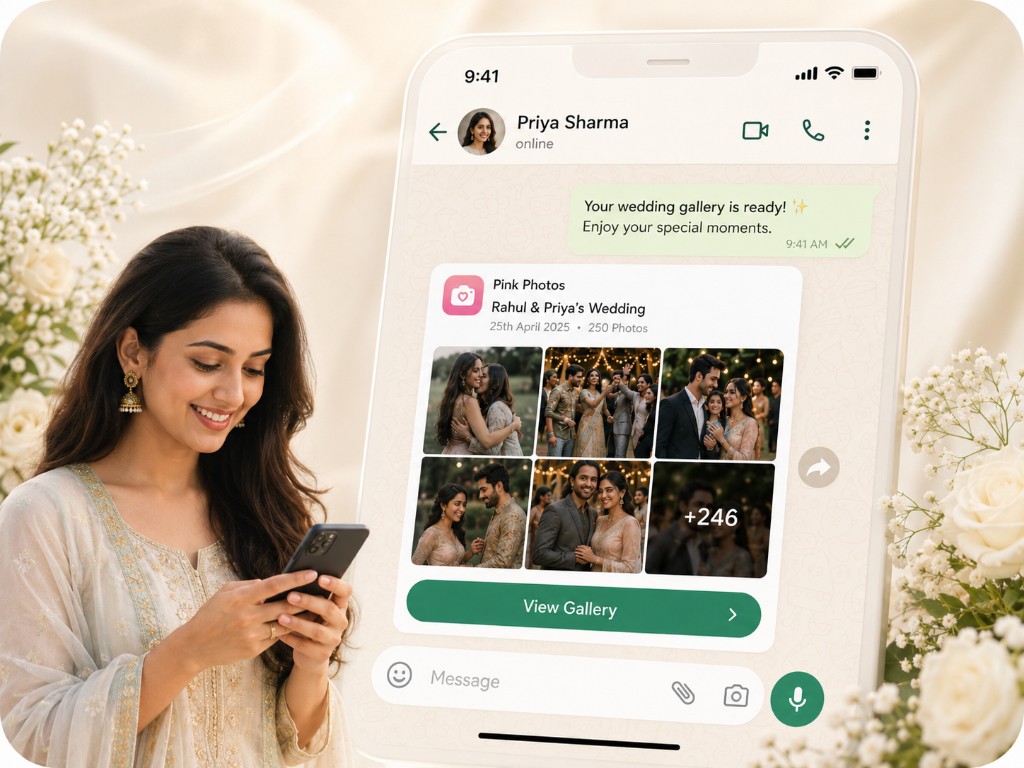
Paste the gallery link where the guests already are.
Send the gallery link in WhatsApp, SMS, or the family group. Guests open it in the browser. This page is the upload link, not an automatic WhatsApp bot.
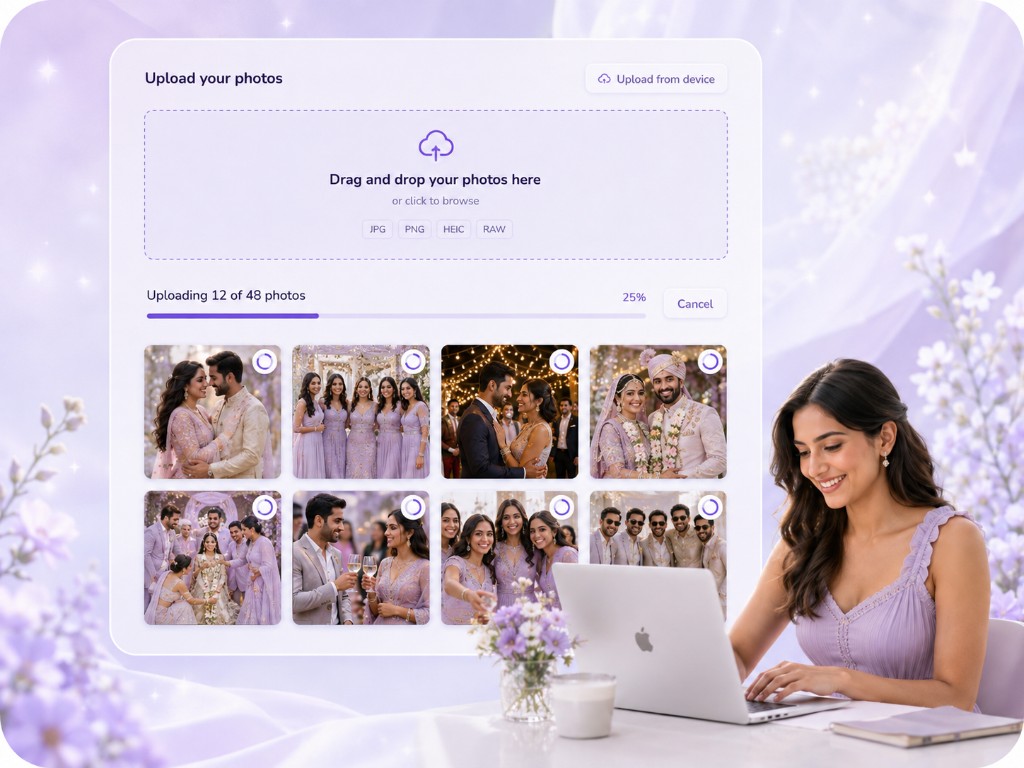
Upload for weeks. Keep it organized.
People remember the photos on the flight home. The gallery stays open so late uploads still land — then ZIP the originals when you are done.
Rooms, not one pile
Ceremony, reception, after-party — nested like the event, not a Drive folder named FINAL2.
Host + photographer
Guest uploads sit next to the photographer’s set in the same event album.
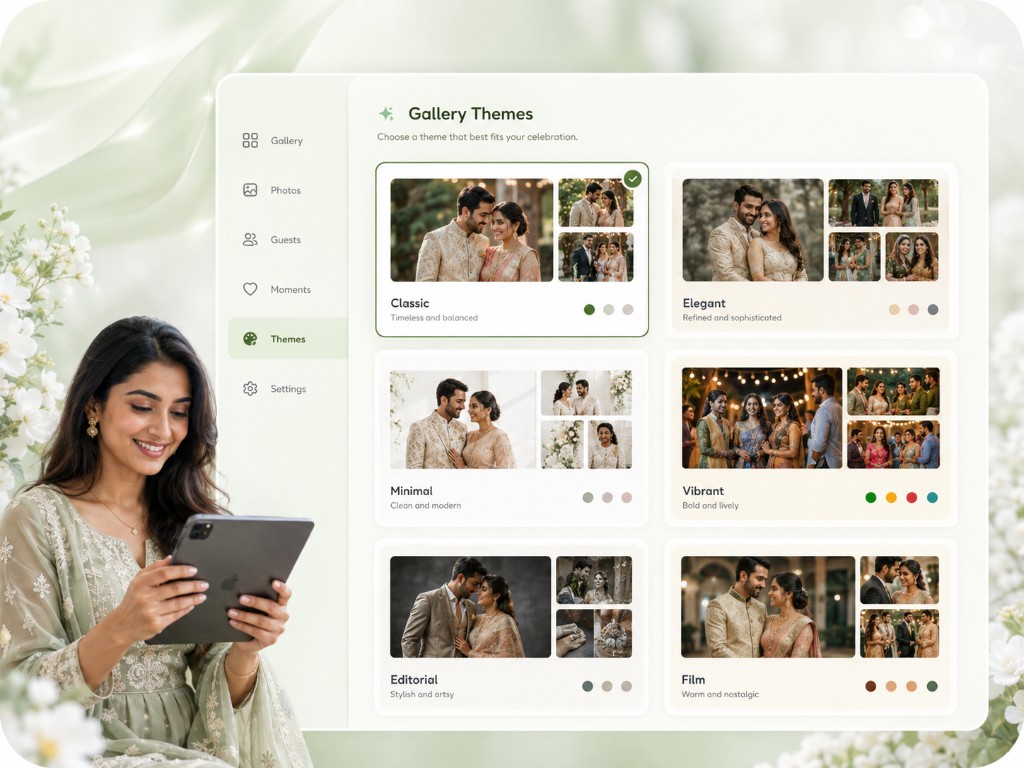
What Guest Cam sits next to
Wedding QR
Put the same upload code on a wedding table. The wedding page explains that setup.
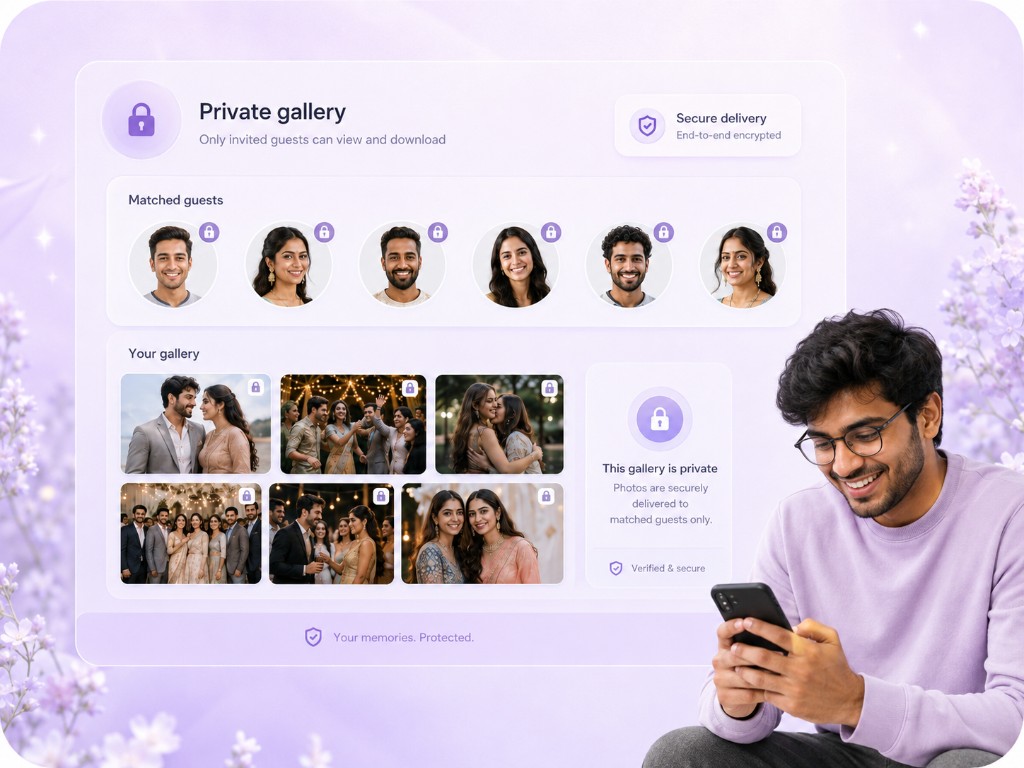
Private delivery
Guests only receive photos they appear in.
One gallery link
The link you paste in the group chat is the album. No second app.
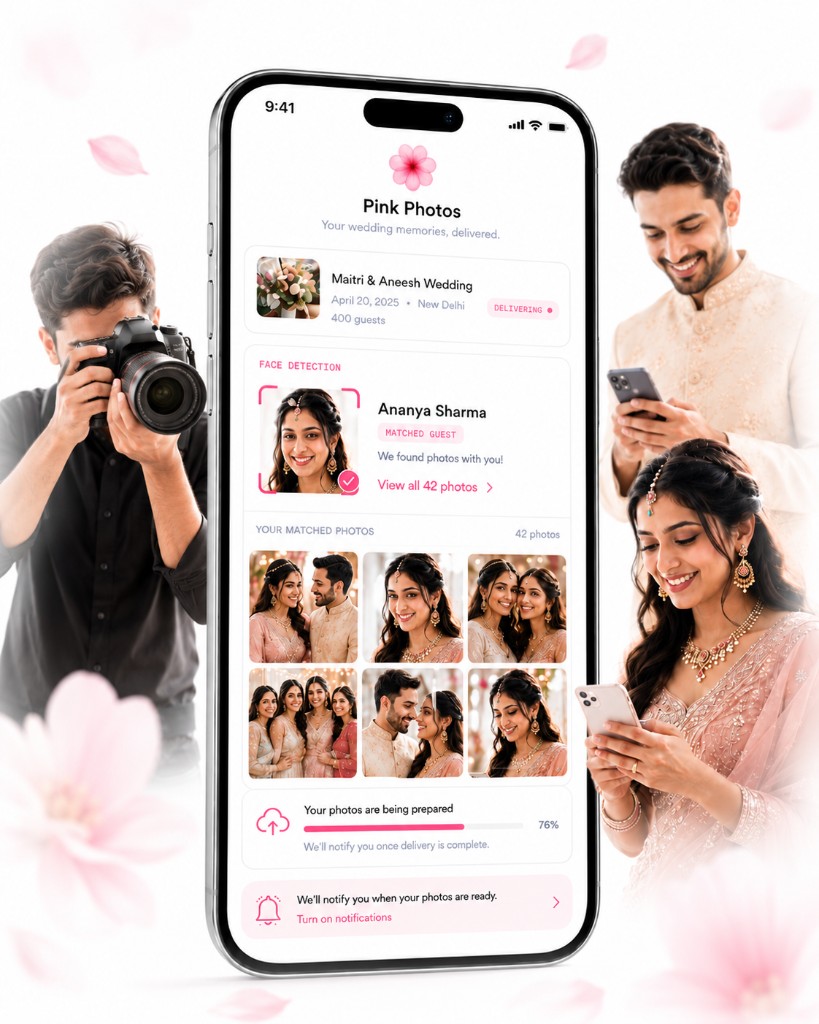
For hosts & photographers
Run the event from the app.
Download Photo Jelly on iOS or Android to manage galleries and match photos from your phone. Guests open the same gallery in the browser.



Scan the QR code to download the app on your phone.