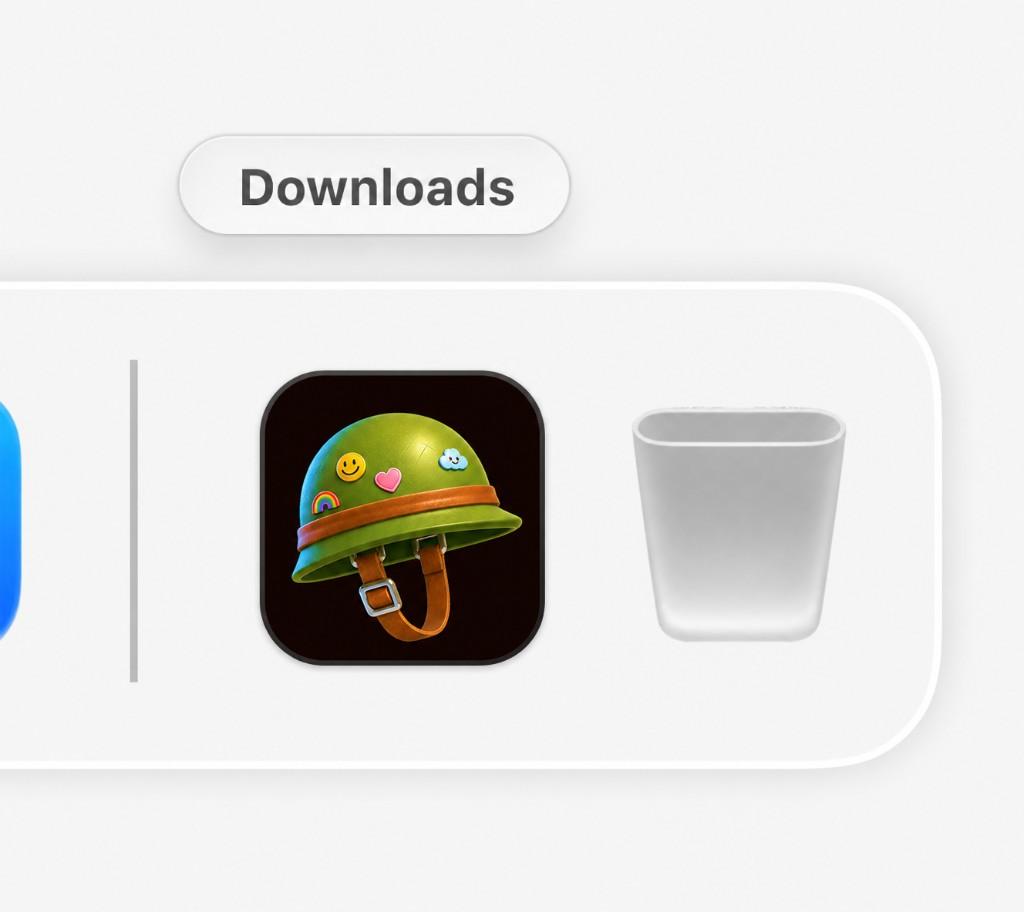
Open Photo Jelly.dmg from your Downloads folder
Desktop · Mac
Same product as the web — photo editing, face detection, galleries, Cam-Link — plus native drag-and-drop and Dropbox-style folders. Your download should start automatically.
Open Photo Jelly.dmg from your Downloads folder
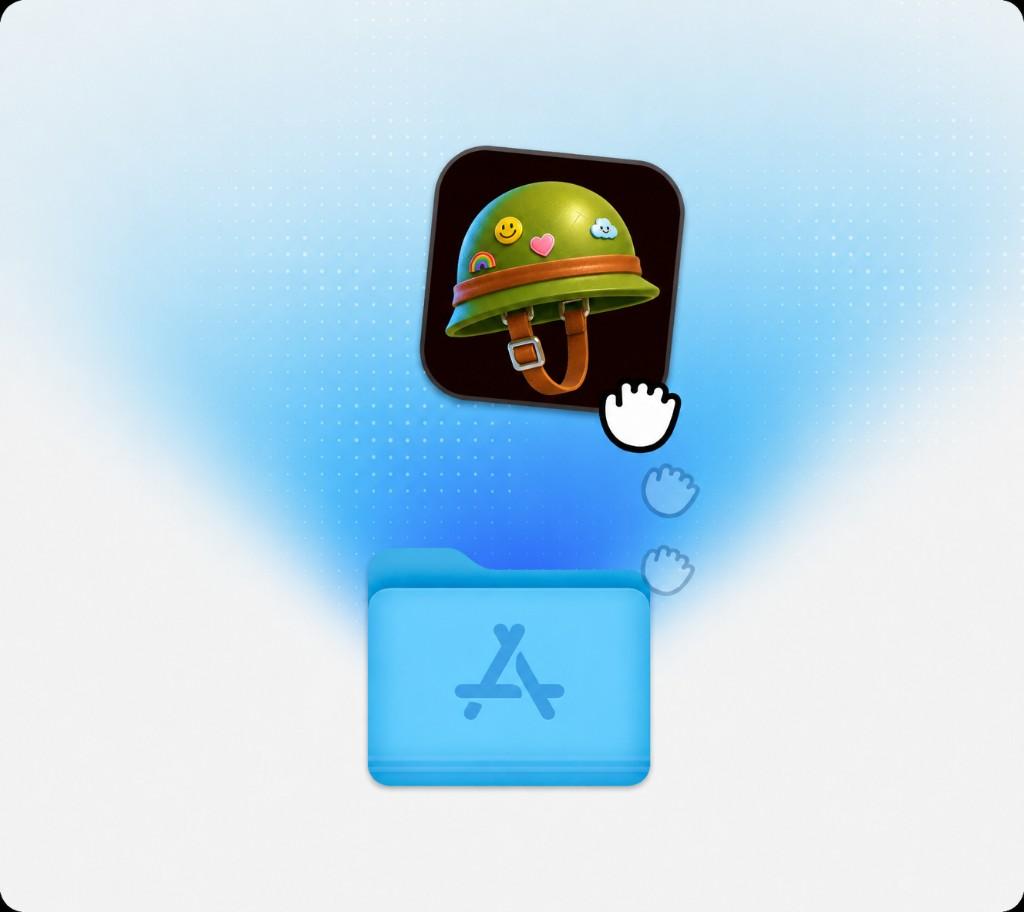
Drag the Photo Jelly icon into your Applications folder
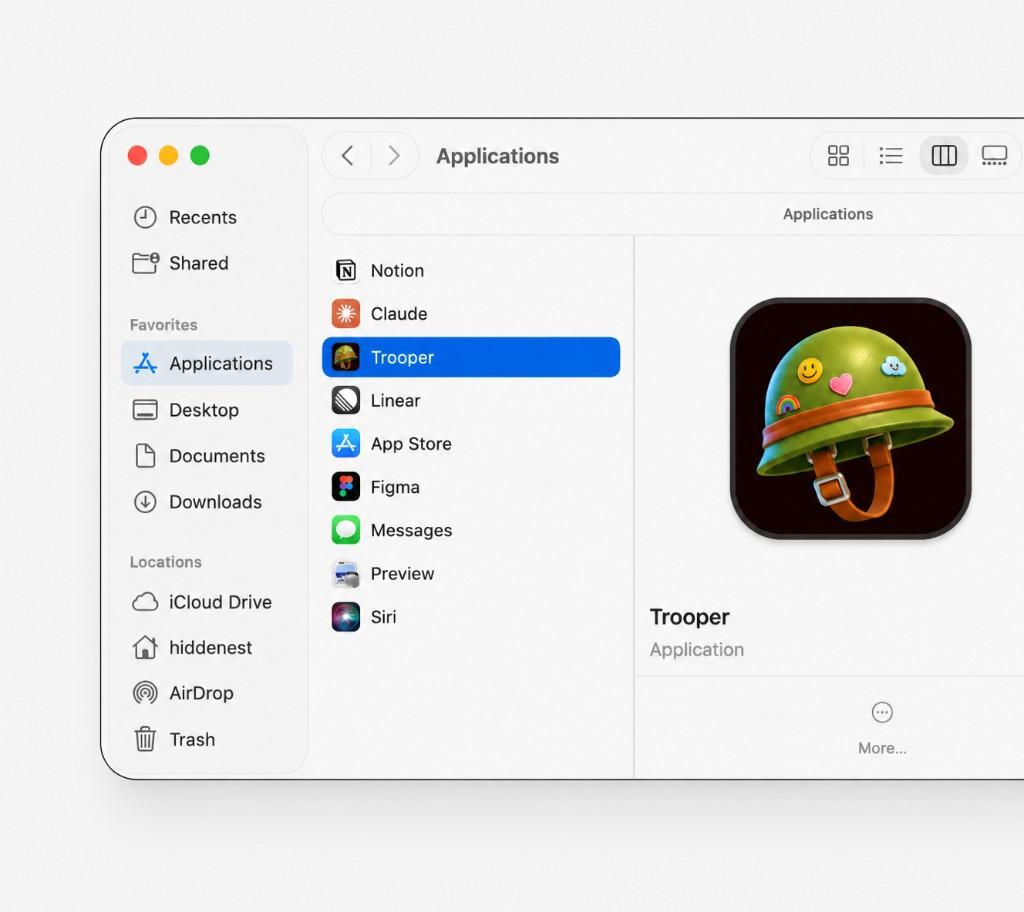
Open the Photo Jelly app from your Applications folder
Drag folders in, sync a card, bundle a gallery. Everything you do on the web is here — without leaving the desktop app.
Drop folders of photos onto the desktop app — like Dropbox — and they land in the live gallery.
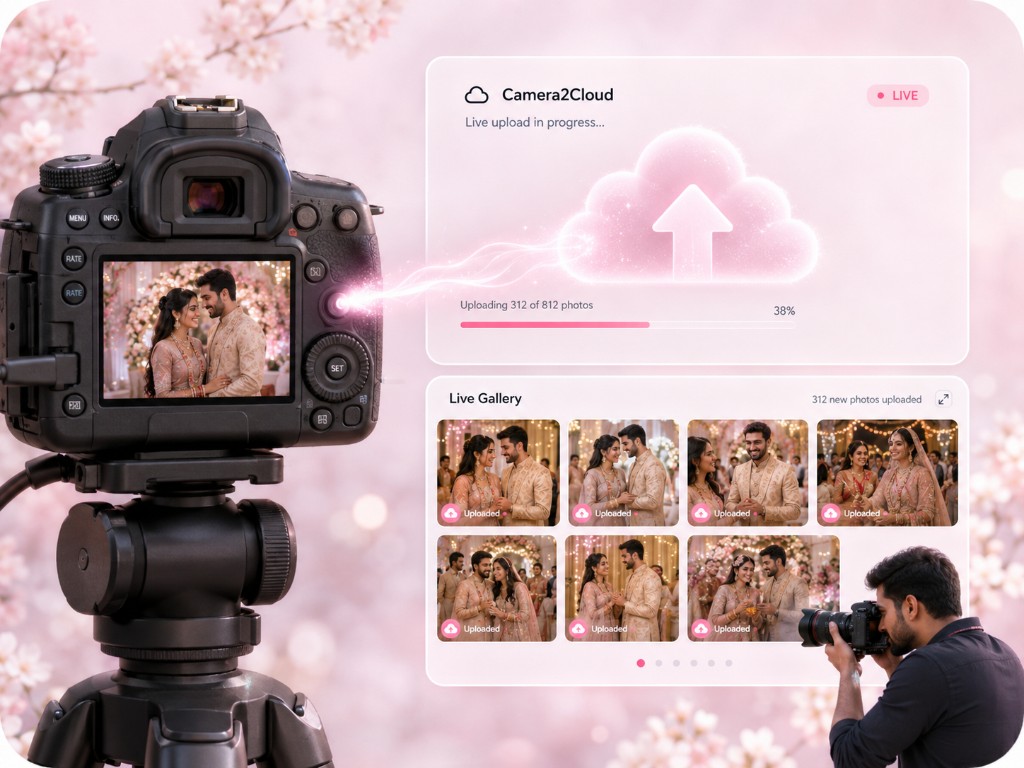
Watch a camera card or project folder. New files ingest automatically while you shoot.
Package events, selects, and client handoff from the same studio you use on the web.
AI culling and edits run on desktop just as they do in the browser.
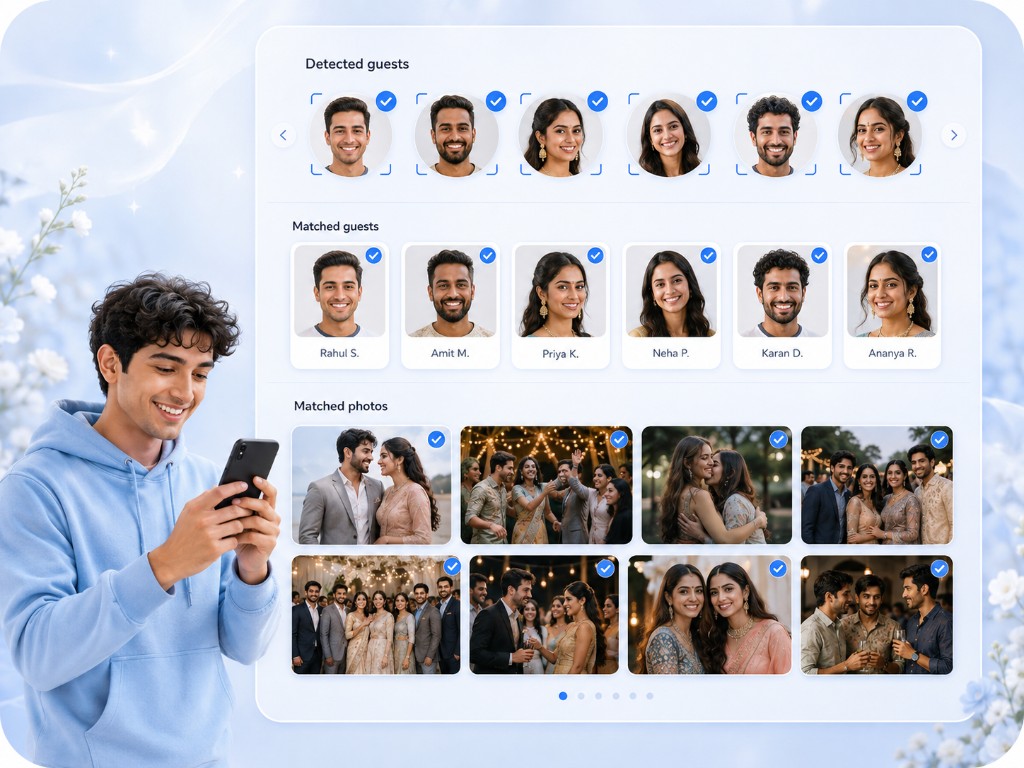
Match guests on your machine, then deliver privately via WhatsApp or web.
Facial recognition, Cam-Link, gallery themes, and 4K video — the desktop app is the full product, not a companion.
Guests upload a selfie once. Photo Jelly matches them across the event and delivers privately via WhatsApp or web — no app download required.
Photographers push shots straight from camera with AI editing built in. Deliver polished galleries while the event is still happening.
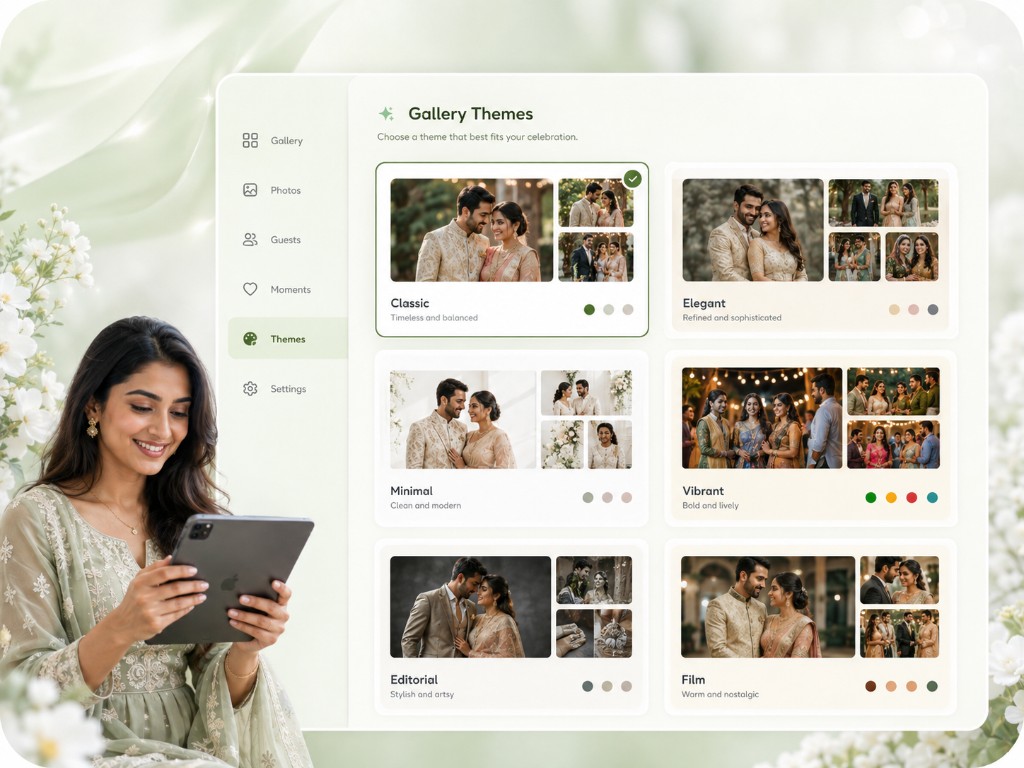
Netflix-style video galleries, justified photo grids, custom branding, and mobile-responsive themes that make your event look incredible.
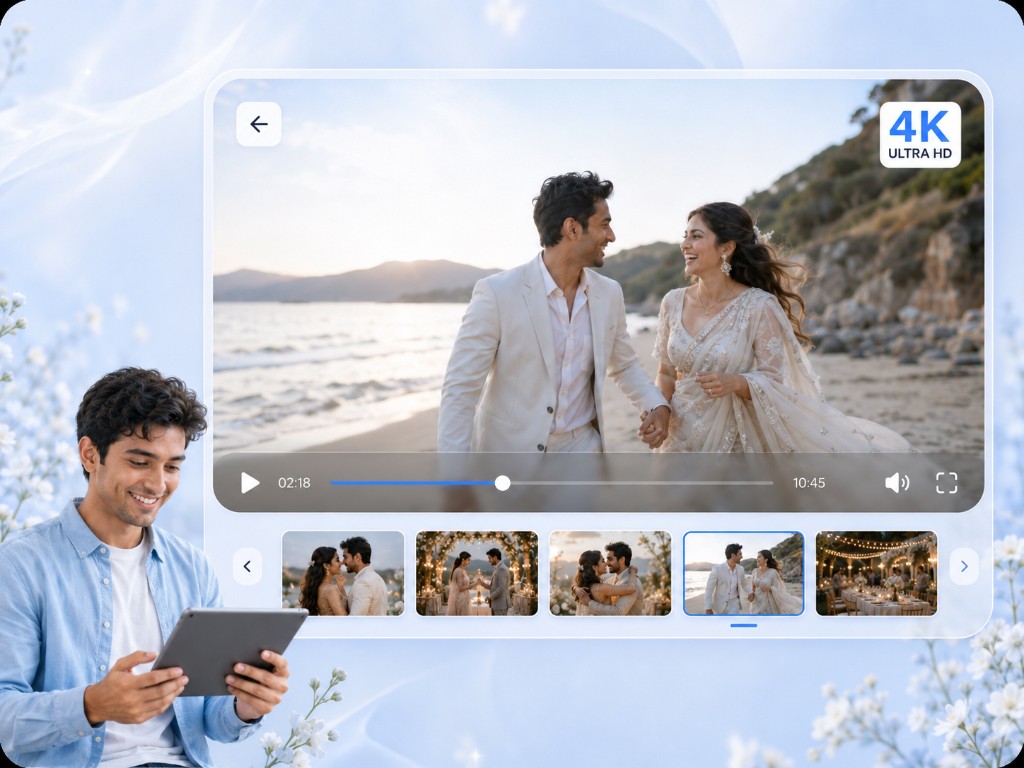
Support for 4K video, GIF, PNG, JPG, MOV, MP4 and more — with original quality preserved for photographers and hosts.
Need another platform? View all downloads